Printable Wi-Fi sign templates
Seven designs, each with a real QR code and your network details. Every one prints at every size; the size list under each design shows where it looks its best.
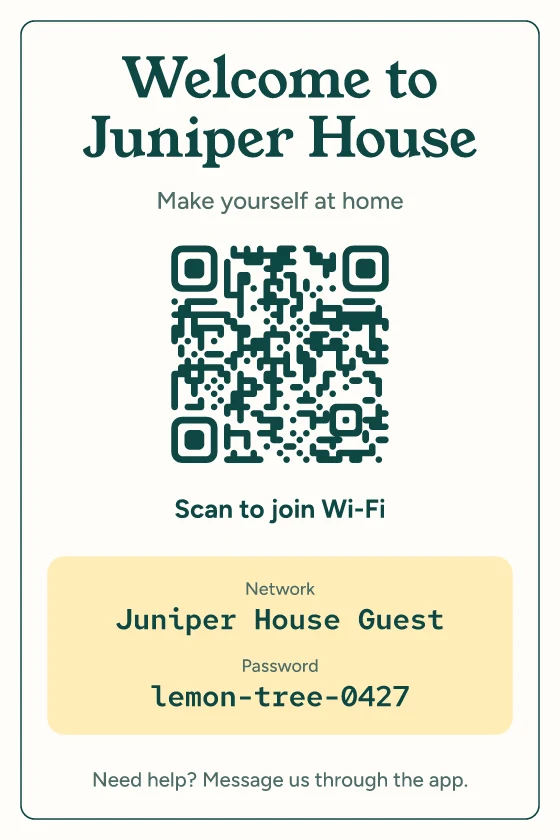
Warm welcome
A calm, roomy card for rentals and guest rooms, with a soft butter panel for the details.
Looks best as: 4 × 6 in card, 5 × 7 in card, US Letter sign, A4 sign.
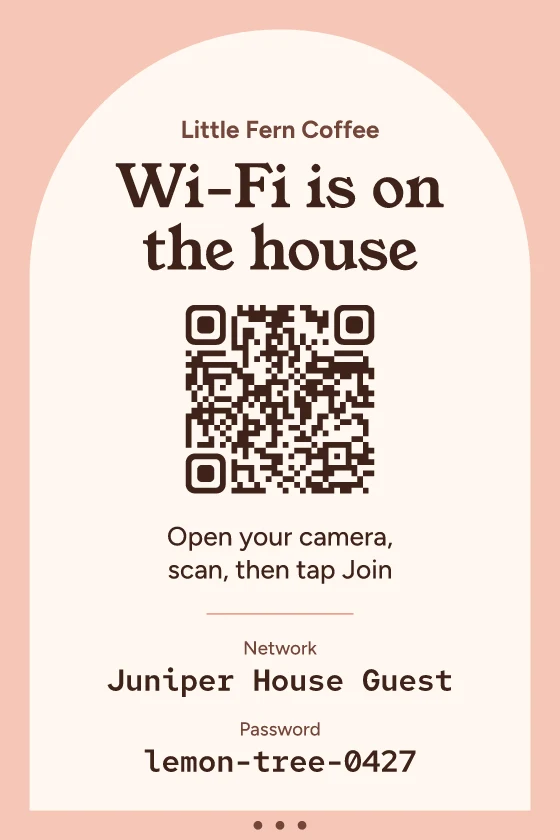
Café arch
A warm rose sign with a paper arch. Made for counters and folding table tents.
Looks best as: Folding table tent, 5 × 7 in card, 4 × 6 in card, Business cards.
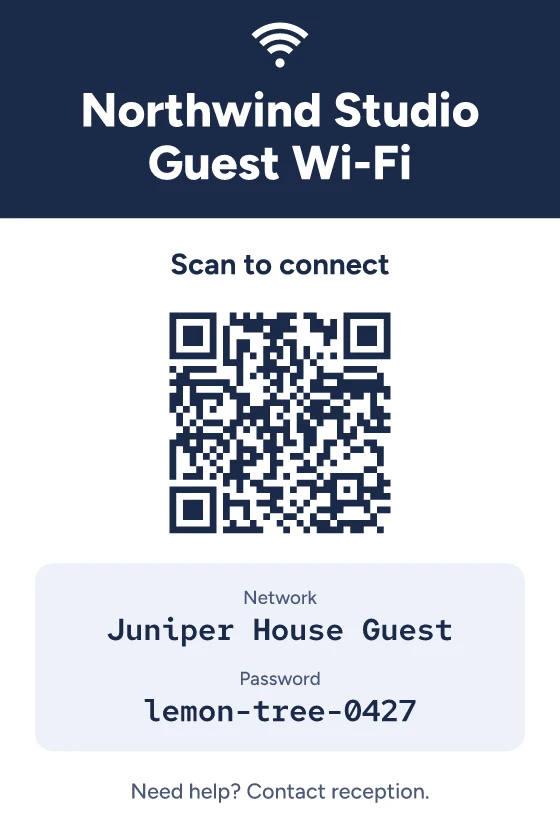
Front desk
Crisp navy and white for receptions and meeting rooms, with a support line for visitors.
Looks best as: US Letter sign, A4 sign, 4 × 6 in card, 5 × 7 in card.
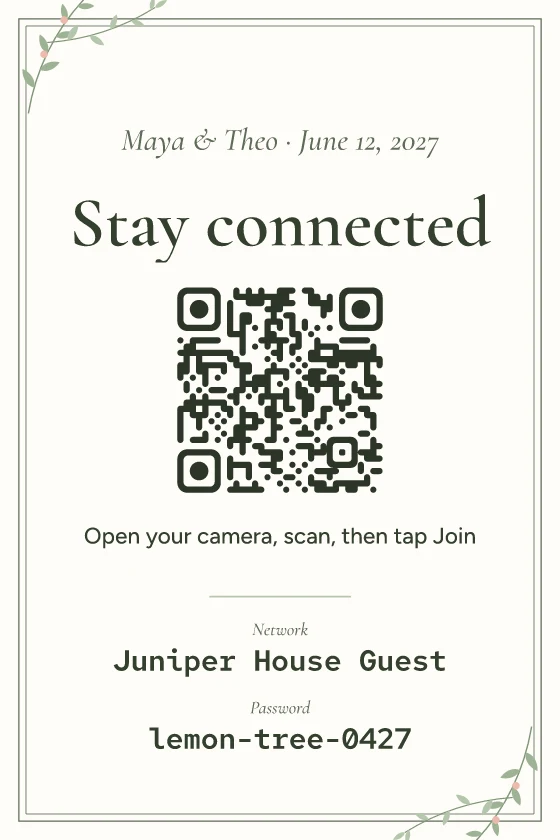
Garden wedding
Classic serif lettering with hand-drawn sprigs, for receptions, showers and parties.
Looks best as: 5 × 7 in card, 4 × 6 in card, US Letter sign, A4 sign, Folding table tent.
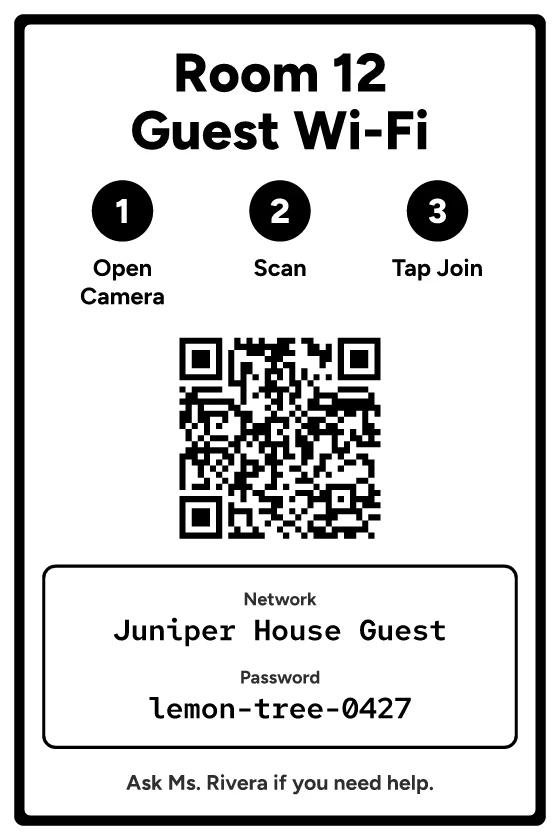
Classroom bold
Big, high-contrast type and numbered steps that read from across a room.
Looks best as: US Letter sign, A4 sign, 5 × 7 in card.
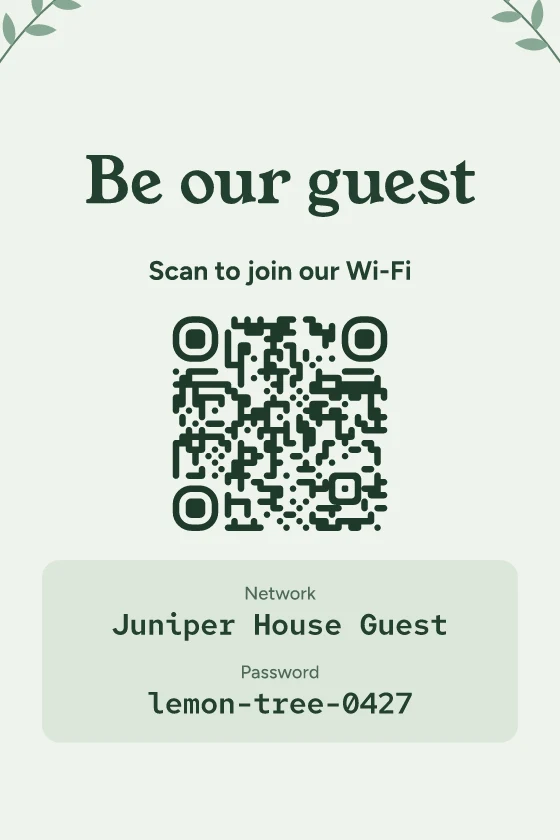
Kitchen botanical
Pale sage with leafy line work. Sized for the fridge, a guest room or a small frame.
Looks best as: 5 × 7 in card, 4 × 6 in card, Business cards.
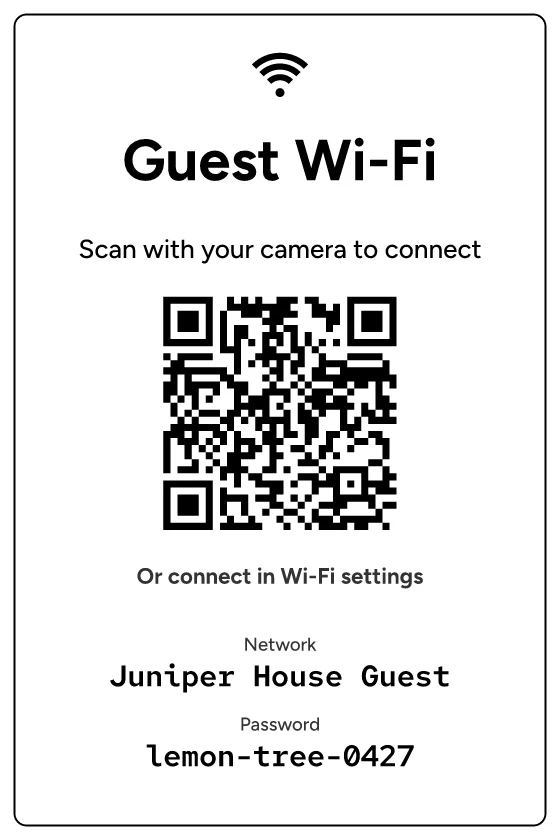
Ink saver
Black on white with no solid fills. Prints well on any printer and in any size.
Looks best as: US Letter sign, A4 sign, 4 × 6 in card, 5 × 7 in card, Business cards, Folding table tent.
No design lists this size as a favourite, but every design prints at it.
Exact sizes
| Size | Finished size | Good for | How it prints |
|---|---|---|---|
| 4 × 6 in card | 4×6 in | Picture frames, bedside tables | One card on Letter or A4 with crop marks, or a print-shop file with 0.125 in bleed |
| 5 × 7 in card | 5×7 in | Stands, counters, fridge doors | One card on Letter or A4 with crop marks, or a print-shop file with 0.125 in bleed |
| US Letter sign | 8.5×11 in | Walls, doors, welcome books (US) | A full page with a margin home printers can reach |
| A4 sign | 210×297 mm | Walls, doors, welcome books | A full page with a margin home printers can reach |
| Business cards | 3.5×2 in | Check-in packs, visitor badges, to hand out | Ten cards edge to edge on Letter or A4, with cut marks |
| Folding table tent | 85×127 mm faces | Café and event tables | Two tents per Letter or A4 sheet, cut and fold marks; the sign shows on both sides |
Printing
- Print the PDF at 100% / Actual size. “Fit to page” shrinks everything.
- Use plain paper for frames and holders, card stock for tents and business cards.
- Cut on the solid marks; fold tents on the dotted marks.
- Scan the printed copy with a phone before printing more.
PNG downloads are 300 DPI and SVG downloads carry their physical size, so they drop into other layout tools at the right scale.
Using the designs
The designs are free to print and use for personal or business signs, with no attribution required. You can change the words on every design; the QR code and the network details always come from what you type, so they can't fall out of step.